Let me tell you about the first website I was really proud of.
I built it back in my college days. Clean design, smooth animations, solid content. I hit publish, shared the link with friends, and waited for Google to send me visitors.
A week passed. Then a month. Nothing. I searched for my own site by name and couldn't even find it.
I thought Google just hadn't "noticed" me yet. Turns out the problem was much simpler, and a bit embarrassing. My site had a setting that was literally telling Google not to index it. One checkbox made the whole site invisible.
That was my first real lesson in technical SEO. And honestly, it's the lesson I wish someone had explained to me in plain words, without making it sound like rocket science.
So that's what this post is. If you're just starting with SEO, if you're a developer who builds sites but never thought about search, or if you're spinning up websites with AI tools like Lovable, Bolt, Cursor or ChatGPT, this one's for you. No jargon walls. Just what technical SEO is, why it matters, and what you can actually do about it today.
What is Technical SEO? (The Simple Version)
Here's how I explain it to friends:
Technical SEO is everything you do to make sure Google can find, open, read and understand your website.
That's it. It's not about what your content says. It's about whether search engines can actually get to that content and make sense of it.
I like to think of a website as a house:
Content is the furniture and decoration. It's what people come to see.
Backlinks are your reputation in the neighbourhood. They're what people say about you.
Technical SEO is the foundation, the doors, the wiring and the address on the gate.
You can have the nicest furniture in town, but if the door is locked and your address is wrong, nobody's getting in.
Technical SEO vs on-page SEO vs off-page SEO
SEO is usually split into three parts. Here's the quick difference:
Type | What it's about | Examples |
|---|---|---|
Technical SEO | Can Google access and understand your site? | Site speed, crawlability, indexing, mobile-friendliness, HTTPS, sitemaps |
On-page SEO | Is each page relevant and well written? | Keywords, headings, title tags, meta descriptions, internal links |
Off-page SEO | Do others trust and recommend you? | Backlinks, brand mentions, reviews |
In this post we're only going deep on the technical side. I'm covering the other two in their own posts.
How Google Reads Your Website (in 3 Steps)
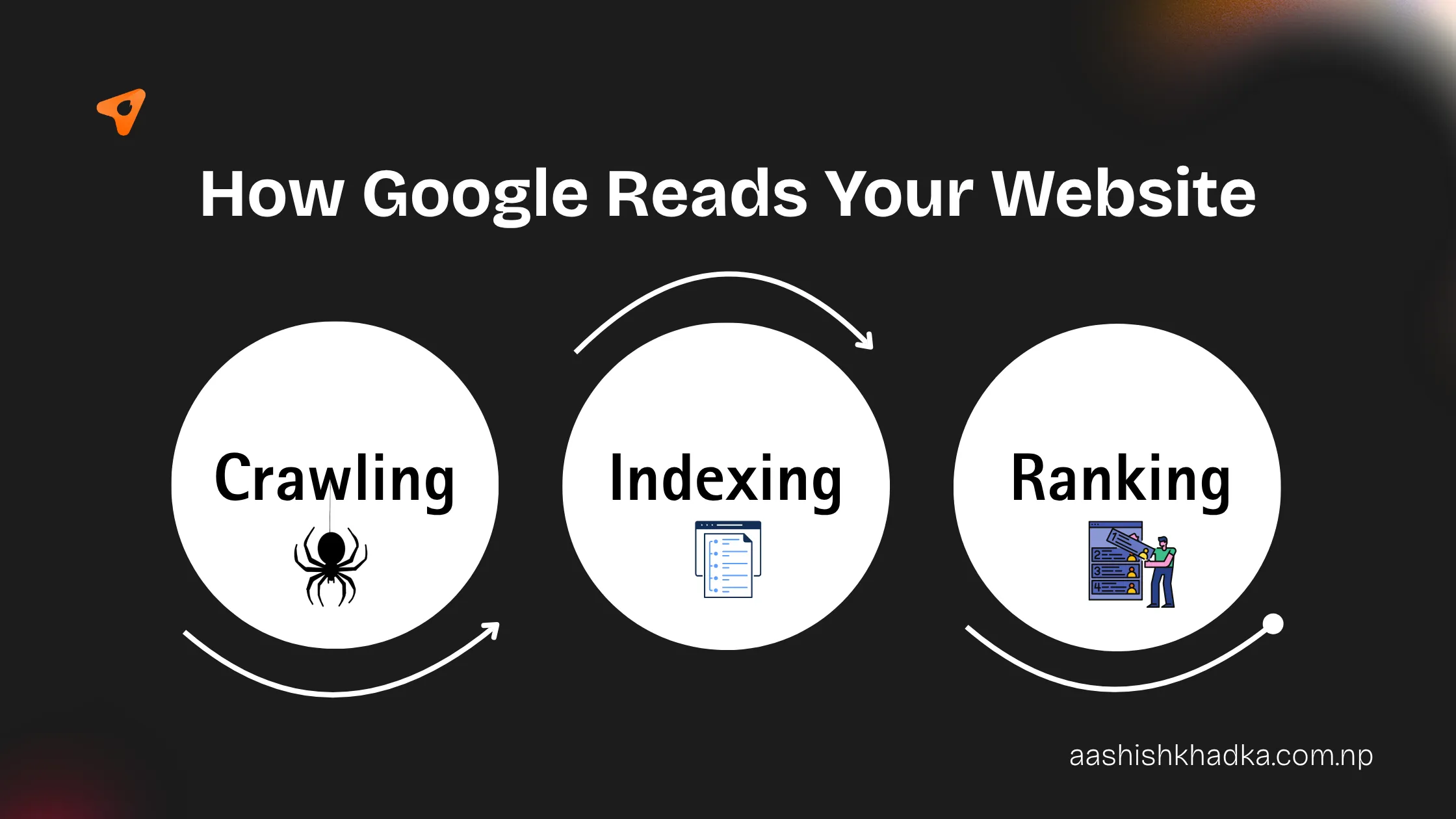
Before technical SEO really clicks, you need to know what Google does with your site. Picture Google as a giant library, and Googlebot as a librarian who never sleeps.
Crawling – The librarian walks around the internet, following links from page to page, looking for new books (your web pages).
Indexing – When it finds your page, it reads it, figures out what it's about, and puts it on the right shelf in the library.
Ranking – When someone asks a question, the librarian picks the most useful books from the shelves and hands them over in order.
Here's the key thing: technical SEO mostly lives in steps 1 and 2. If the librarian can't reach your page, or can't read it, your page never even makes it to the shelf. And a book that isn't on the shelf can't be recommended, no matter how good it is.
Why is Technical SEO Important?
I'll keep this one short, because the reason is pretty simple: you can't rank a page Google can't find, open or understand.
But here's what that looks like in real life:
Your content might be invisible. One wrong setting can hide a page, or your whole site, from Google. You won't get an error message. You just won't get traffic.
Slow sites lose people. If your page takes forever to load on mobile data, visitors leave before they read a word. Google notices that too, and page speed is part of how it judges user experience.
Google looks at your mobile site first. Google uses mobile-first indexing, which means it mainly judges the mobile version of your site. If it looks great on your laptop but breaks on a phone, Google sees the broken version.
It builds trust. A secure site (HTTPS), no broken pages, no weird warnings. Both people and Google feel safer.
It makes all your other work pay off. Great content and good backlinks only work if the technical foundation lets them work. Otherwise it's like pouring water into a leaking bucket.
AI search needs it too. Tools like ChatGPT, Perplexity and Google's AI Overviews also need to read your pages before they can mention you. If they can't access your content, you don't exist for them either.
The good news? Most technical SEO problems are easy to fix once you know where to look. Let's go through them.
The Technical SEO Basics, One by One
For each one, I'll tell you what it is in plain words, how to check it, and (for my AI builder friends) a prompt you can paste into your AI tool to fix it.
1. Crawlability: Can Google get in?
Crawlability just means how easily Google's bots can move around your website. Two small files do most of the work here:
robots.txt – a tiny text file at
yoursite.com/robots.txt. Think of it as the security guard at your gate. It tells bots where they can and can't go. One wrong line, likeDisallow: /, and you've locked Google out of your entire site.XML sitemap – a list of all the pages you want Google to know about. It's like handing the librarian a map of your house so nothing gets missed.
Also, link your pages to each other. A page that nothing links to is called an orphan page, and Google may never find it.
How to check: Open yoursite.com/robots.txt and yoursite.com/sitemap.xml in your browser. If both load and robots.txt isn't blocking everything, you're off to a good start.
Prompt for AI builders: "Add a robots.txt that allows all search engines to crawl the site and points to the sitemap. Generate an XML sitemap at /sitemap.xml that lists every public page and updates automatically when pages are added."
2. Indexing: Is Google actually storing your pages?
Getting crawled doesn't mean getting indexed. Google visits, then decides whether your page deserves a spot on the shelf.
The most common way people accidentally kill their indexing is the noindex tag. It's a small line of code that says "Google, please ignore this page." Useful for login or thank-you pages. Disastrous on your homepage. (This was my college mistake, by the way.)
How to check: Set up Google Search Console (it's free). The Pages report shows which pages are indexed and why some aren't. For a quick peek, search site:yourdomain.com on Google.
Prompt for AI builders: "Check every page for noindex meta tags or X-Robots-Tag headers. Remove them from all public pages and keep them only on admin, login and thank-you pages."
3. Site structure and URLs: Is your site easy to navigate?
Good site structure means any important page is reachable within about three clicks from your homepage. If a page is buried six clicks deep, Google treats it as less important.
Your URLs should also be readable by humans:
Good:
yoursite.com/blog/what-is-technical-seoNot good:
yoursite.com/index.php?id=1823&cat=7
How to check: Click through your own site. Can you reach every key page quickly from the homepage menu?
Prompt for AI builders: "Use clean, lowercase, hyphen-separated URLs based on page titles. Add a clear navigation menu and breadcrumbs so every important page is within three clicks of the homepage."
4. Site speed and Core Web Vitals: Does your site load fast?
Nobody likes waiting. Google measures how your page feels to real users with three scores called Core Web Vitals. Don't let the name scare you:
Metric | In plain words | Aim for |
|---|---|---|
LCP (Largest Contentful Paint) | How fast the main stuff appears | 2.5 seconds or less |
INP (Interaction to Next Paint) | How fast the page reacts when you tap or click | 200 milliseconds or less |
CLS (Cumulative Layout Shift) | Does stuff jump around while loading? | 0.1 or less |
The usual culprits are huge images, too many plugins or scripts, and cheap slow hosting. Compressing images alone often makes a big difference.
How to check: Paste your URL into Google PageSpeed Insights. It gives you the scores and tells you what to fix.
Prompt for AI builders: "Optimize this site for Core Web Vitals: compress images and serve them as WebP, lazy-load images below the fold, set width and height on all images, and remove unused JavaScript and CSS."
5. Mobile-friendliness: Does it work on a phone?
Most people browse on their phones, and Google judges your site by its mobile version first. Your site should fit any screen, text should be readable without zooming, and buttons shouldn't be so close together that you tap the wrong one.
How to check: Open your site on your actual phone. Not just a resized browser window, your real phone, on mobile data.
Prompt for AI builders: "Make the whole site fully responsive. Use readable font sizes on mobile, tap targets at least 48px, and make sure no content is hidden on mobile that appears on desktop."
6. HTTPS: Is your site secure?
See the little padlock next to a website's address? That's HTTPS. Without it, browsers show a "Not secure" warning, and visitors run away. Google also uses HTTPS as a ranking signal. Most hosting providers give you a free SSL certificate, so there's really no excuse.
How to check: Visit http://yoursite.com (without the s). It should automatically redirect to the https:// version.
Prompt for AI builders: "Force HTTPS across the site and set up 301 redirects from all HTTP URLs, and from www to non-www (or the other way), so there's only one version of each page."
7. Structured data (schema markup): Does Google understand what your page is?
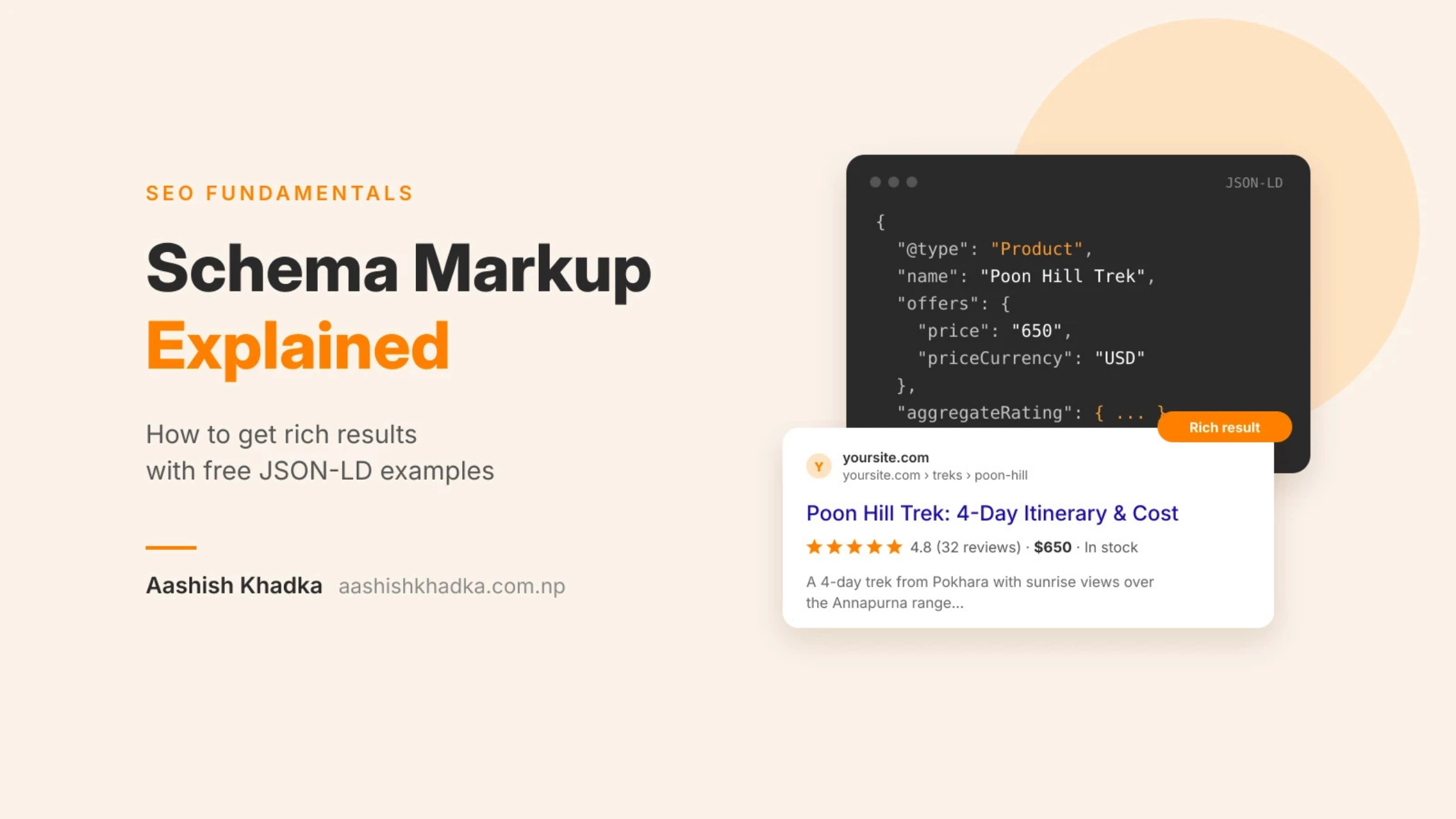
This one sounds the most technical, but the idea is simple. Schema markup is a bit of hidden code that labels your content for search engines. It's like putting name tags on things: "this is an article", "this is the author", "this is a local business with these opening hours".
It can get you those fancy search results with star ratings, prices or FAQs. It also helps AI tools understand who you are and what you offer.
How to check: Run your page through Google's Rich Results Test.
Prompt for AI builders: "Add JSON-LD schema markup: Organization on the homepage, Article on blog posts with author and date, LocalBusiness on the contact page, and FAQPage wherever there's an FAQ section."
8. Duplicate content and canonical tags: Is Google confused about which page is the real one?
Sometimes the same page lives at multiple addresses without you realising it. For example http://, https://, www. and non-www versions, or the same product page with different filter parameters.
To Google, these look like copies competing with each other. A canonical tag is how you say "this one is the original, ignore the rest."
How to check: View the page source (right-click → View page source) and search for canonical. Every page should point to its own main URL.
Prompt for AI builders: "Add a self-referencing canonical tag to every page, and make sure filtered or parameter URLs point their canonical to the main version of the page."
9. Broken links and redirects: Are there dead ends?
Broken links (the dreaded 404 page) are dead ends for both visitors and Google. Redirect chains, where page A sends you to B, which sends you to C, slow everything down.
How to check: Screaming Frog is free for up to 500 URLs and finds broken links in minutes. Search Console also flags them.
Prompt for AI builders: "Scan the site for broken internal links and fix them. Use 301 redirects for any moved pages, avoid redirect chains, and create a friendly custom 404 page that links back to the homepage and main sections."
A Quick Note for Developers and AI Site Builders
I want to talk to you directly for a second, because I see this all the time.
AI tools have made building websites ridiculously fast. You can describe a site and have it live in an hour. That's amazing. But here's the catch: most AI-built sites look great to humans and terrible to Google.
Why? A lot of these tools build sites as single-page apps where the content only shows up after JavaScript runs. You see a full page. Google (and most AI crawlers) often see a nearly empty one. On top of that, things like titles, meta descriptions, sitemaps and schema usually aren't added unless you ask for them.
The fix isn't hard. You just have to ask. Here's a master prompt I'd paste into any AI builder before launch:
"Before we launch, make this site SEO-ready: use server-side rendering or static generation so all content is in the HTML; give every page a unique title tag and meta description; use one H1 per page with a logical H2/H3 structure; add alt text to all images; generate robots.txt and an XML sitemap; add canonical tags, JSON-LD schema and Open Graph tags; force HTTPS; and optimize images and scripts for Core Web Vitals."
Developers, same idea. If you're using React or Vue, lean on Next.js or Nuxt with SSR or static generation for any page that needs to rank. Your future self (and your client) will thank you.
Your Beginner Technical SEO Checklist
If you only remember one part of this post, make it this. Go through it on your own site this week. All the tools here are free.
Set up Google Search Console and verify your site
Make sure robots.txt isn't blocking important pages
Submit your XML sitemap in Search Console
Check the Pages report for anything not indexed
Remove noindex tags from pages that should rank
Confirm the site loads on HTTPS and HTTP redirects to it
Pick www or non-www and redirect the other
Test your key pages on PageSpeed Insights
Compress and resize your images
Open your site on a real phone and fix anything awkward
Fix broken links and redirect moved pages
Add canonical tags to every page
Add basic schema markup (Organization, Article, LocalBusiness)
Make sure every important page is within three clicks of the homepage
Do this every few months, and always after a redesign or moving to a new platform.
Wrapping Up
Looking back at that first website of mine, the content wasn't the problem. The design wasn't the problem. Google just couldn't see any of it.
That's really what technical SEO comes down to. It's not about being a hardcore developer or memorising scary terms. It's about making sure the door is open, the lights are on, and the address is correct, so people (and search engines) can actually find what you've built.
Start small. Fix the checklist above one item at a time. You'll be surprised how much difference the basics make.
This post is part of my SEO series, where I'm breaking down each part of SEO in plain words. Next up, I'm digging into on-page SEO: how to make each page actually relevant for what people search.
Got a question, or want me to take a look at your site? Drop a comment below or reach out to me directly. I'm always happy to help.
FAQs About Technical SEO
What is technical SEO in simple words?
Technical SEO means making sure search engines can find, open, read and understand your website. It covers things like site speed, mobile-friendliness, HTTPS, sitemaps and site structure.
Is technical SEO hard for beginners?
Not the basics. If you can open a browser and follow a checklist, you can handle most of it. The deeper stuff, like JavaScript rendering on big sites, needs a developer, but most small sites never get there.
What's the difference between technical SEO and on-page SEO?
Technical SEO is about whether Google can access and understand your site. On-page SEO is about whether each page is relevant to what people search, using things like keywords, headings and meta descriptions. You need both.
Do AI-built websites need technical SEO?
Yes, often more than hand-built ones. Many AI tools build JavaScript-heavy sites without titles, sitemaps or schema by default. Ask for them before you launch.
How often should I check my technical SEO?
Every three to six months for most small sites, and always after a redesign, a platform move or a big batch of new pages.
What free tools can I use for technical SEO?
Google Search Console, PageSpeed Insights, Google's Rich Results Test and the free version of Screaming Frog will cover almost everything a beginner needs.